ASPLMQ User Guide v 1.00
© 2026 Bassem W. Jamaleddine
This section explains how to use ASPL to detect changes in IBM MQ queue manager attributes. The scripting provided here enables visual comparisons that contrast attribute modifications, whether they occur within the same queue manager or across distributed queue managers in a cloud environment. ASPL scripting requires the following prerequisites:
This section is not included in the SAMPLE PREVIEW.
The next section explains how to implement scripts utilizing the TRANSIENT namespace to display and compare queue managers in general.
■ Displaying the Queues: qmgrsdisp.pl
Analyzing and comparing queue managers across distributed systems involves generating set variables dynamically inside the temporary TRANSIENT namedspace. Operating under the IBMMQ_QMGR_GROUP element grouping class, this transient workspace serves as a volatile memory space that ASPL automatically destroys with all set variables once the script exits.
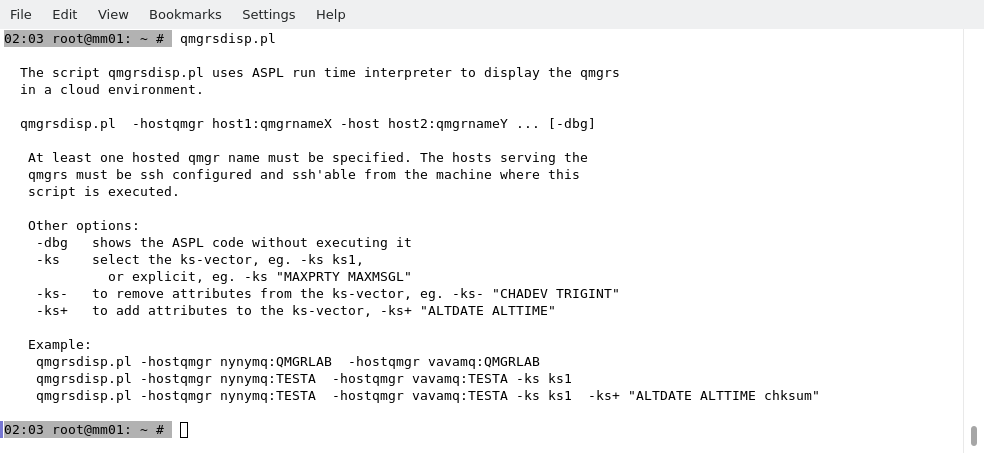
The qmgrsdisp.pl script displays the queue manager configurations running across a cloud environment. For the complete source code of qmgrsdisp.pl, refer to Appendix Script to Display IBM MQ Qmgrs: qmgrsdisp.pl.
To view the usage syntax for qmgrsdisp.pl, run the script without arguments at the shell prompt, as shown in Figure 2.1.6.
This section is not included in the SAMPLE PREVIEW.
■ Comparing the Qmgrs: qmgrscompare.pl
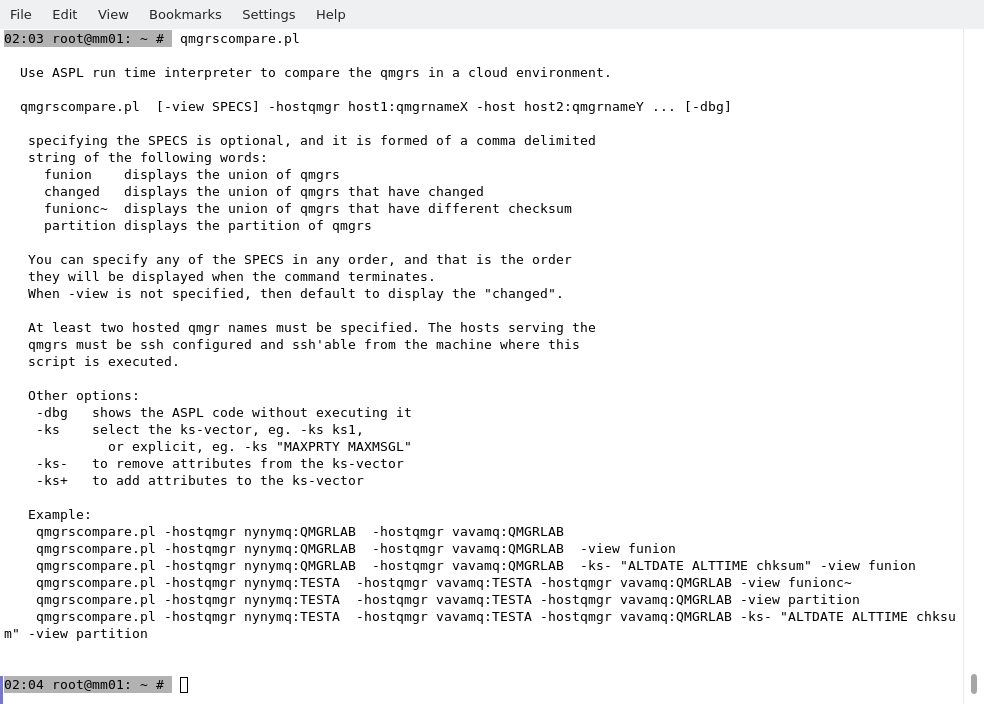
The qmgrscompare.pl script compares the qmgr configurations in a cloud environment. For the complete source code of qmgrscompare.pl, refer to Appendix Script to Compare IBM MQ Qmgrs: qmgrscompare.pl. To view the usage syntax for qmgrscompare.pl, run the script without arguments at the shell prompt, as shown in Figure 2.1.9.
This section is not included in the SAMPLE PREVIEW.