ASPL Installation Guide v 1.00
© 2025 Bassem W. Jamaleddine
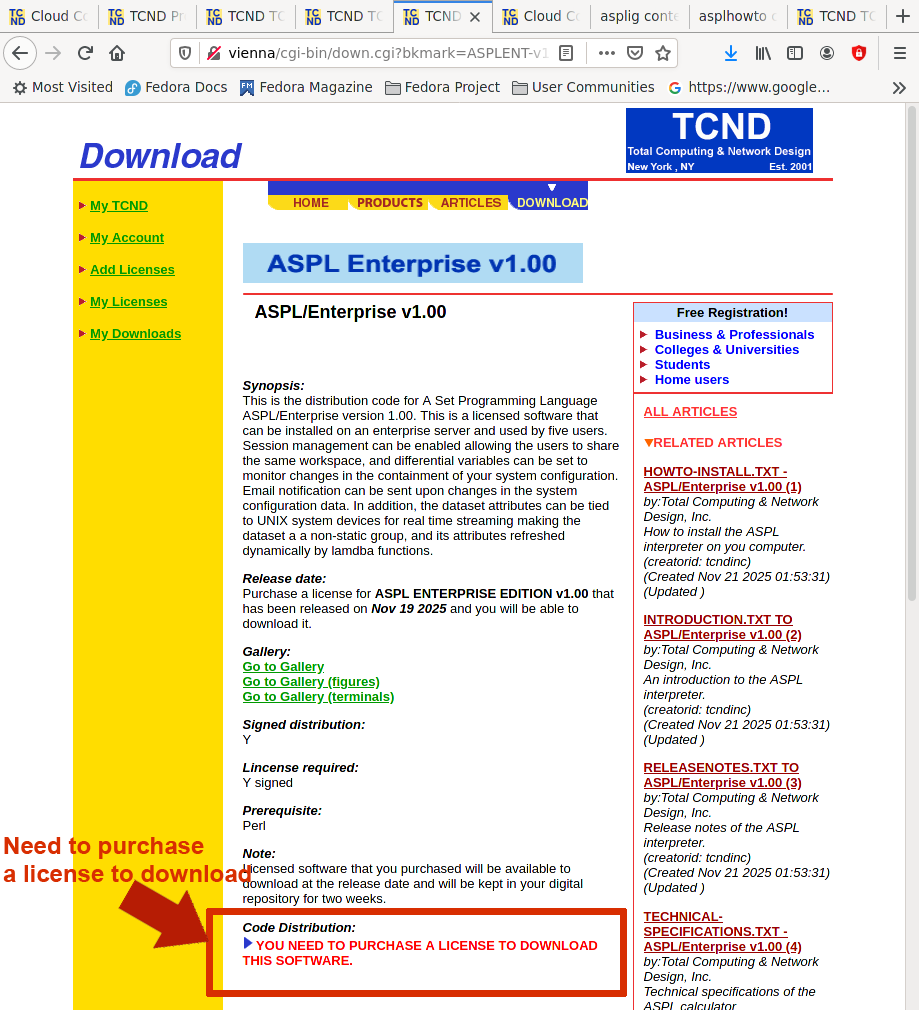
To download licensed software from TNCD.COM, you need to register with TCND.COM.
This chapter consists of ten figures illustrating how to register with TCND.COM.
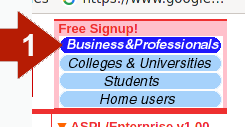
From the "Free Signup!" select "Business&Professionals" as shown in the following figure (with the red arrow labeled 1). Users can signup with other options, eg. colleges, students, or home users.
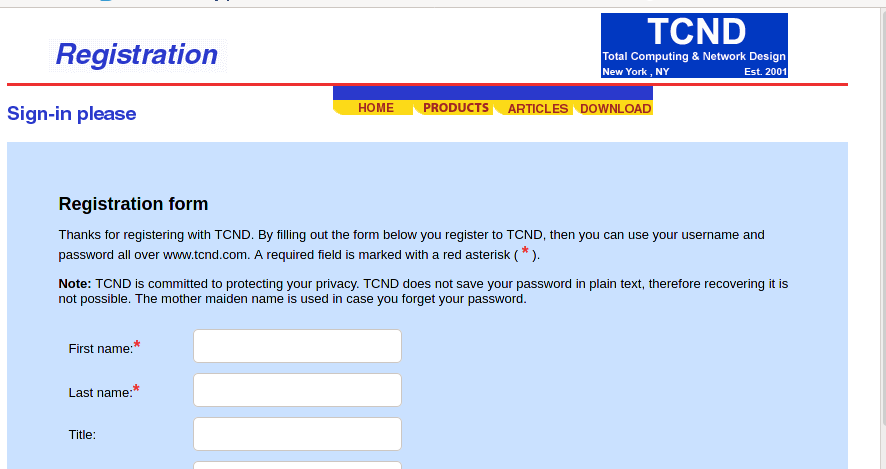
Fill in the registration form.
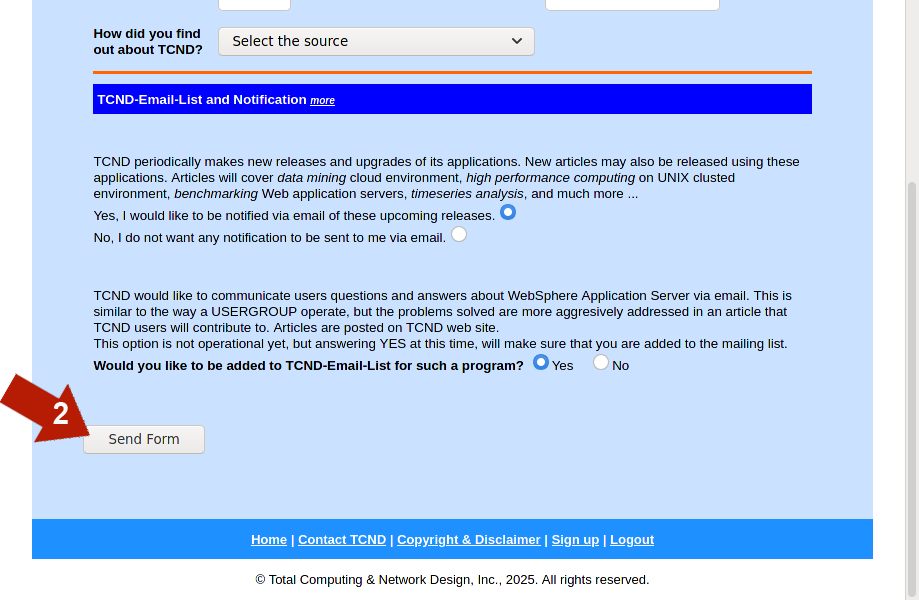
Submit the form by clicking on "Send Form" (shown with the red arrow labeled 2).
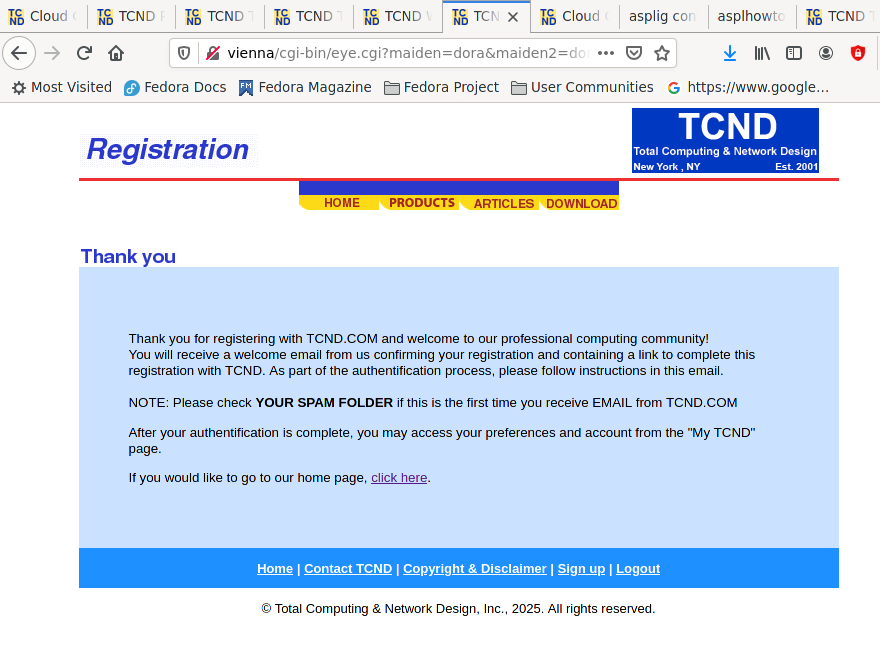
If the form is submitted successfully, then the following message is displayed in your browser.
You will receive an email, to confirm your email address and activate your login on TCND.COM.
Check your "Spam Folder" if this is the first time you register with TCND.COM.
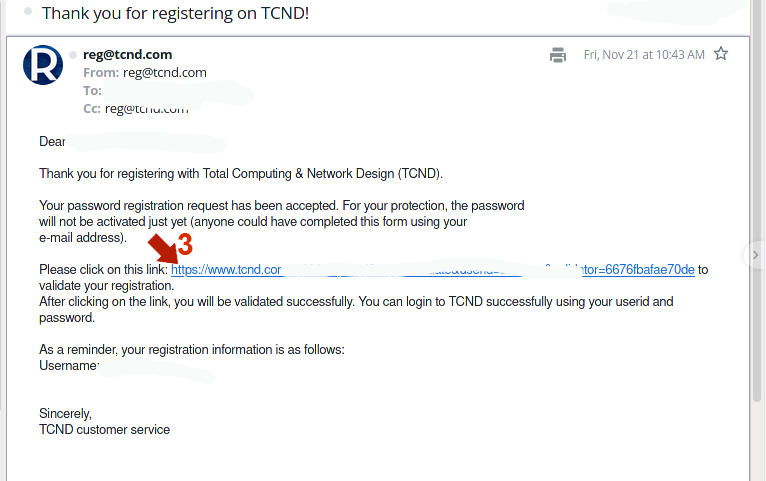
To confirm your email address and activate your login userid on TCND.COM, simply click on the link in your email as shown in the following figure with the red arrow labeled 3;
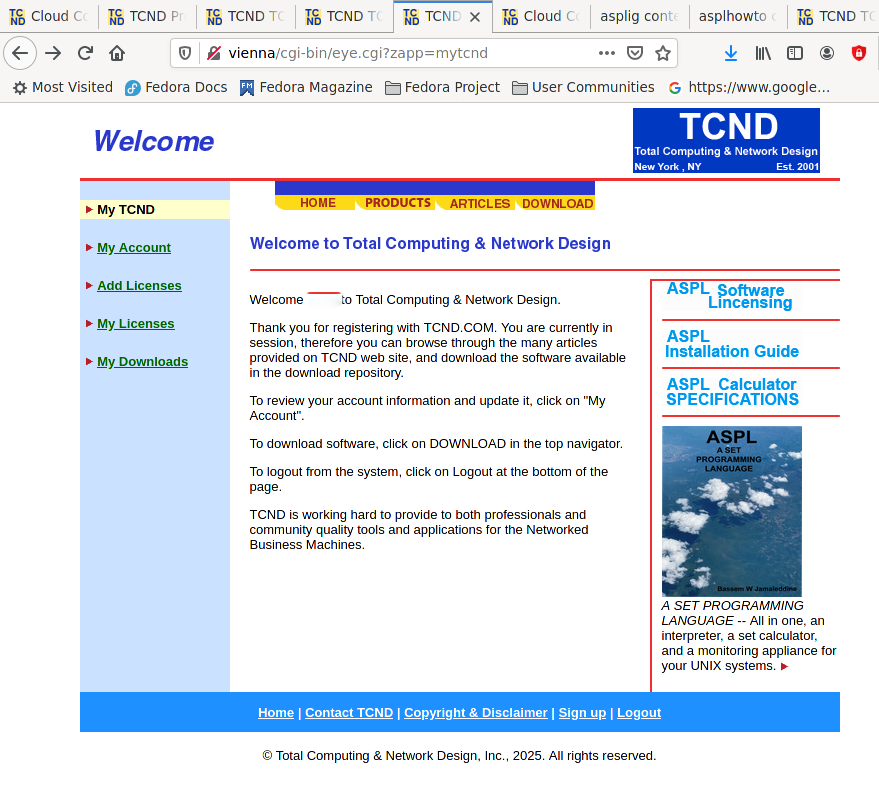
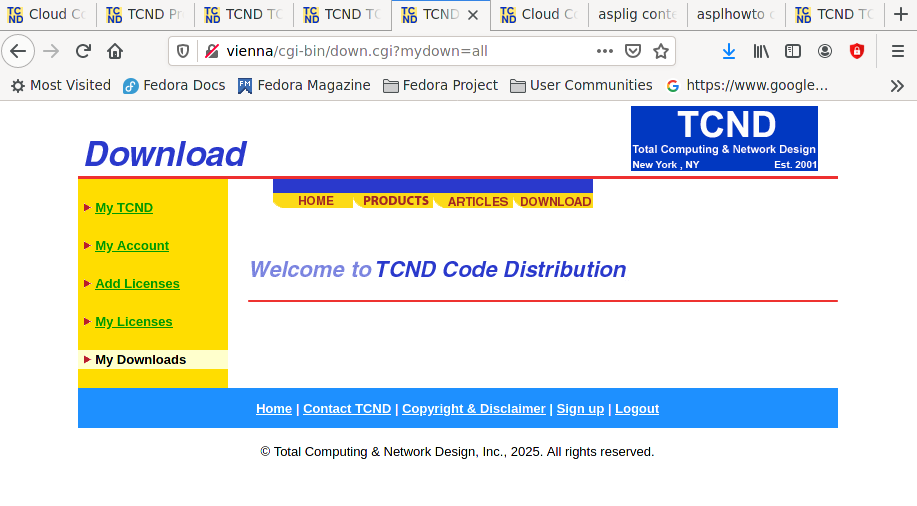
Once your email is validated, you can login on TCND.COM, and you will see the welcome screen as shown in the following figure.
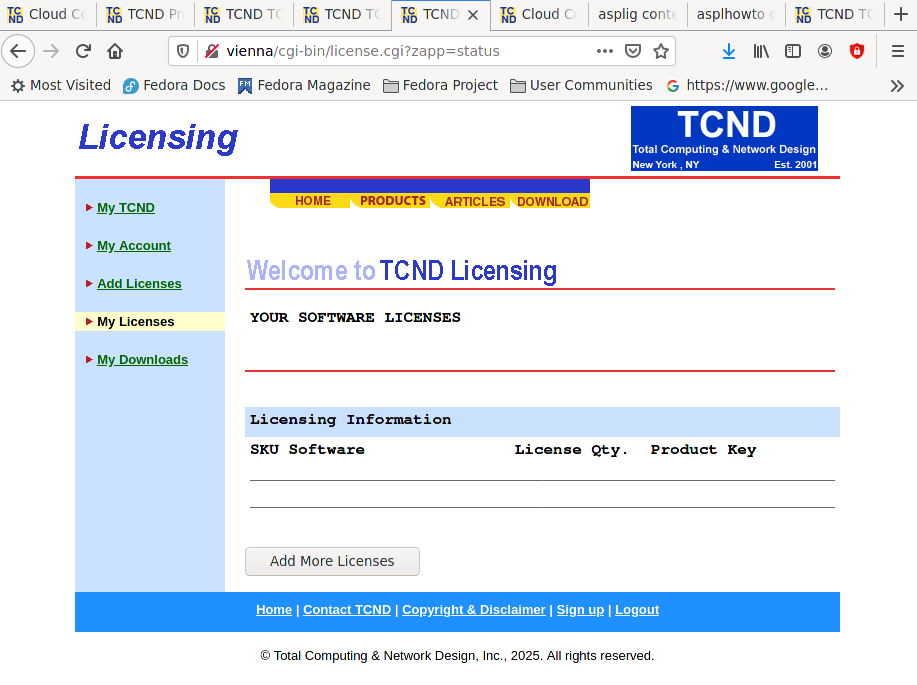
Click on "My License" in the left margin, and your license profile shows there is no licenses.
Click on "My Downloads" in the left margin, and your download profile shows nothing is downloaded.
For licensed software, you need to purchase an asset key for the software.
Licensed software cannot be downloaded unless you purchased an asset key. For example, in the following figure: click on DOWNLOAD in the top navigator (shown with red arrow labeled 4), then select ASPL/Enterprise v1.00 (shown with red arrow labeled 5).
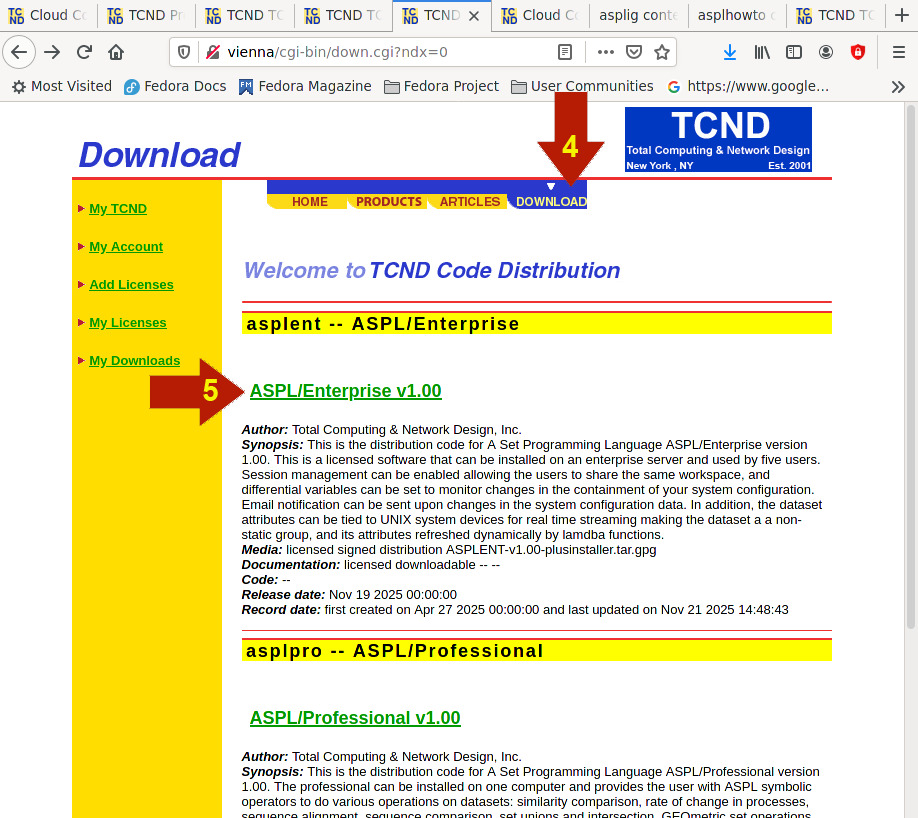
The download screen for ASPL/Enterprise v1.00 is displayed. It shows that you cannot download the software since you have not purchased a license for it.
You can always purchase an asset key, then come back to the download screen of the software distribution to download the software. See next chapter on how to purchase an asset key.