ASPL Installation Guide v 1.00
© 2025 Bassem W. Jamaleddine
The user rusty installed ASPL to be shared with other users; rusty is the SHARING MASTER installer. rusty is said to be a SHARED MASTER installer. The previous subchapter "How-to Install ASPL for Sharing: Master User" showed how rusty installed ASPL by issuing the command:
# perl asplinstall -foruid rusty -forgid rusty -homedir /home/rusty -shareddir /opt/rusty -asplver ASPLv1.00 -itype 3 -gpg
The user nancy installed ASPL as SHARED SLAVE installer, sharing rusty's ASPL containments. nancy is said to be a SHARED SLAVE installer. The previous subchapter "How-to Install ASPL for Sharing: Adding Users" showed how nancy installed ASPL by issuing the command:
# perl asplinstall -foruid nancy -forgid rusty -homedir /home/nancy -shareddir /opt/rusty -asplver ASPLv1.00 -itype 31 -gpg
Both users, rusty and nancy, updated their .bashrc to export ASPL environment variables so they start ASPL seemlessly after they login to the system.
This section shows how both users start the ASPL calculator and share the ASPL containments (GG-Container and egC-Container). To keep things simple, we show the startup of ASPL with the default namedspace TRIVIAL.
The following section consists of four figures showing ASPL sessions and ASPL containment as seen by both users.
■ Testing ASPL Shared Installation: rusty and nancy
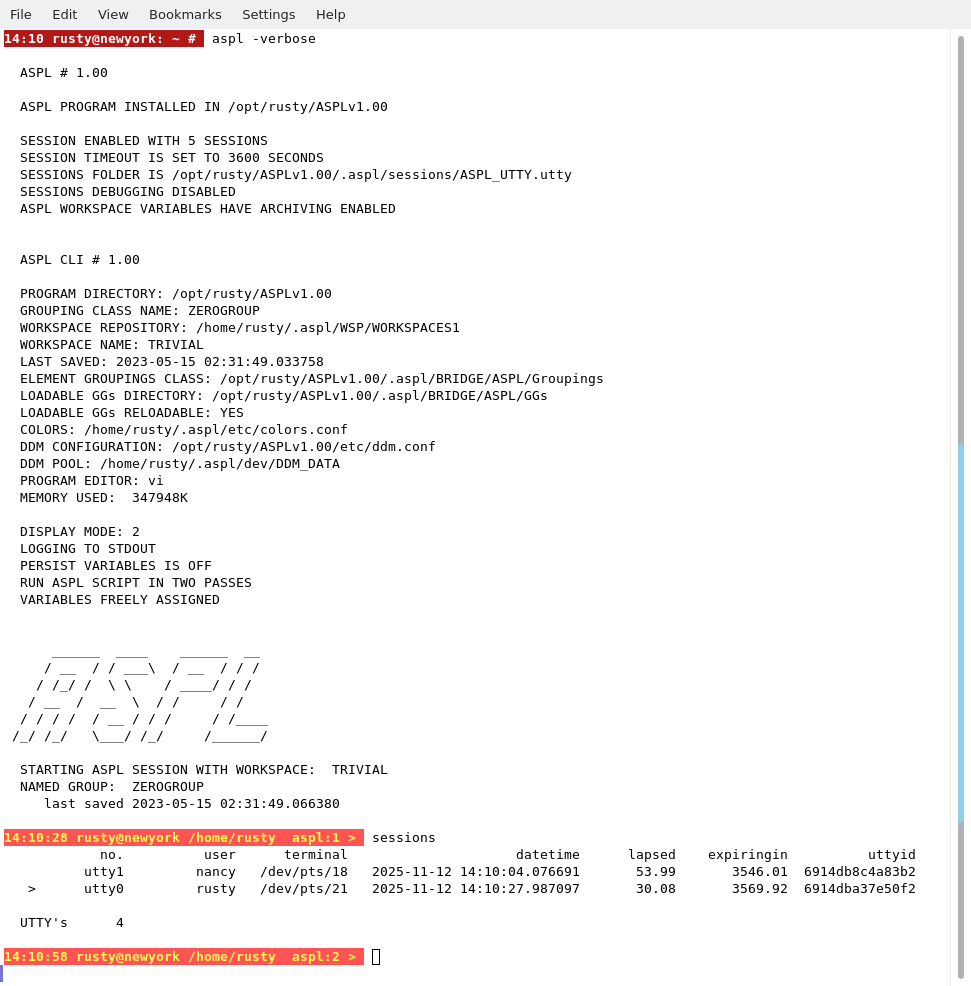
rusty started ASPL in verbose mode, then issued the command sessions to see who is in session. Notice that the GGs directory for the GG-Container, and the egC-Container, are both defined relative to the shared directory /opt/rusty/ASPLv1.00.
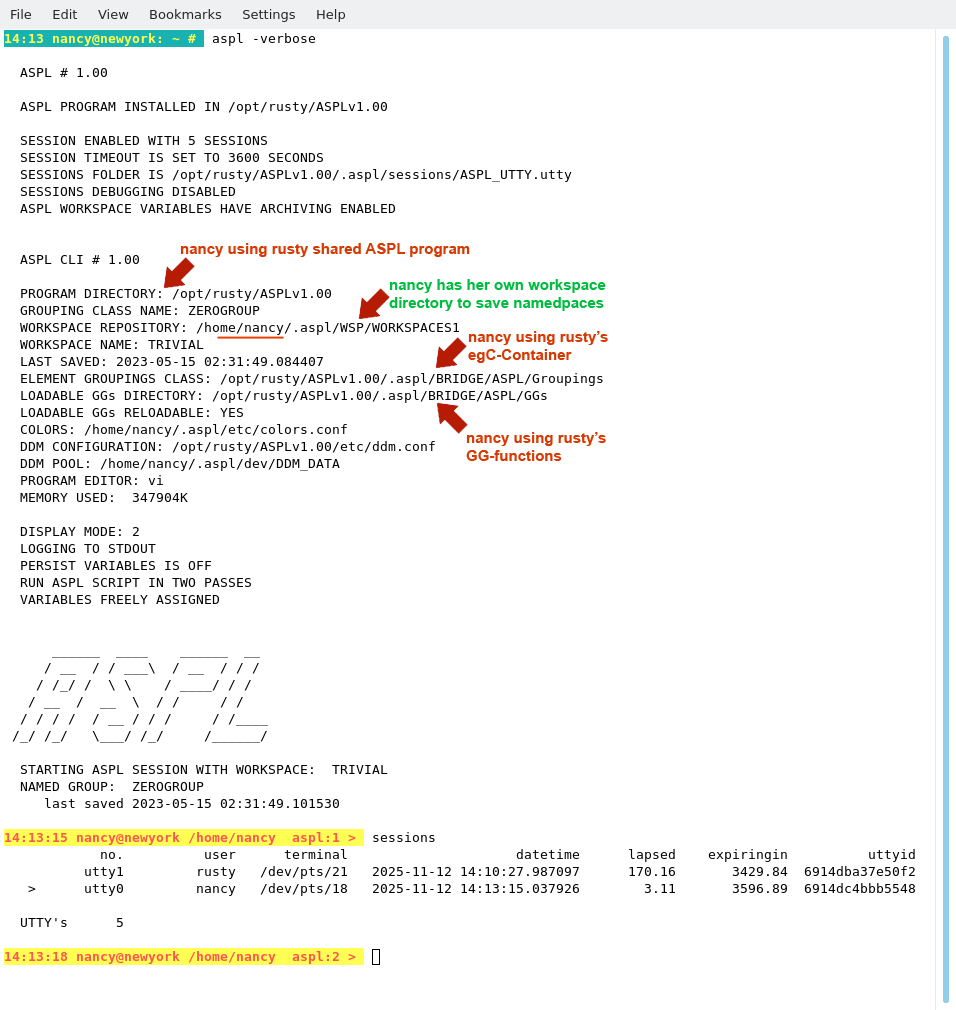
nancy started ASPL in verbose mode, then issued the command sessions to see who is in session. Notice that the GGs directory for the GG-Container, and the egC-Container, are both defined relative to the shared directory /opt/rusty/ASPLv1.00. However, nancy's workspaces are defined in nancy's own home directory /home/nancy/.aspl/WSP/WORKSPACE1.
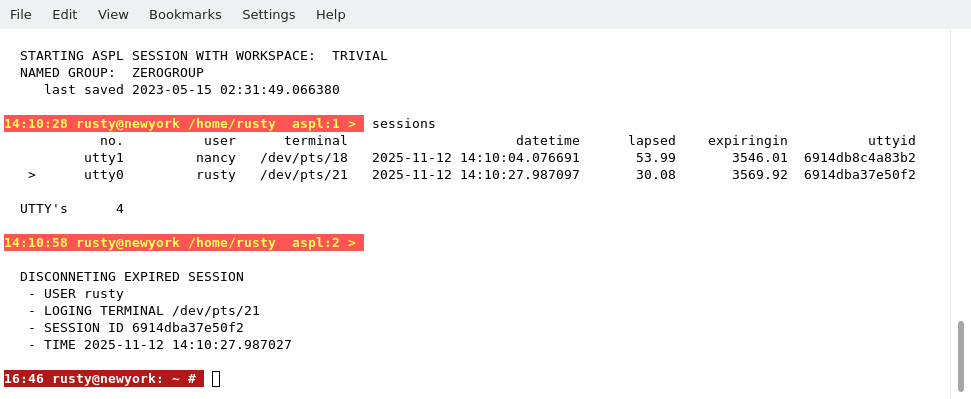
rusty ASPL session expired.
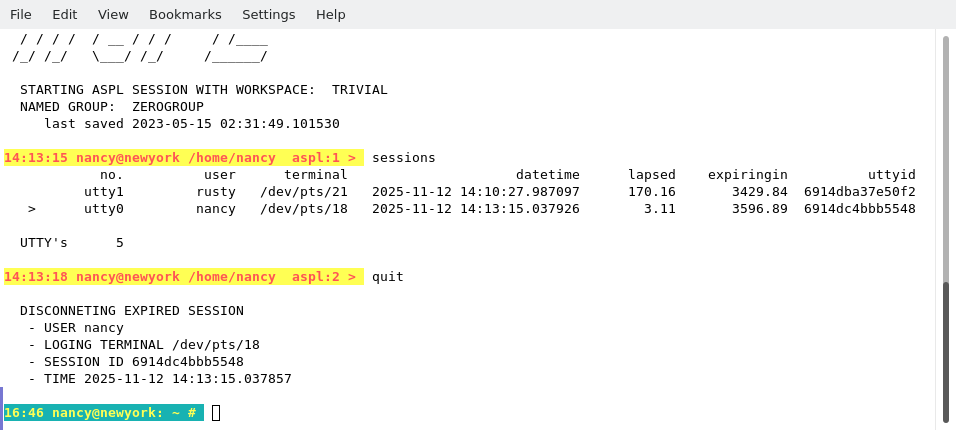
nancy ASPL session expired.